How to Choose the Right Web Hosting: Shared vs VPS vs Dedicated vs Cloud

Selecting the perfect web hosting is one of the most important decisions for your website, blog, online store, or application. With options like shared hosting, VPS hosting, dedicated servers, and cloud hosting, each suits different needs based on traffic, performance, budget, control, and scalability.

This guide compares shared vs VPS vs dedicated vs cloud, highlights pros/cons, and helps you decide which is right for your project—whether you’re a beginner, growing business, or high-traffic site.
What Are the Main Web Hosting Types?
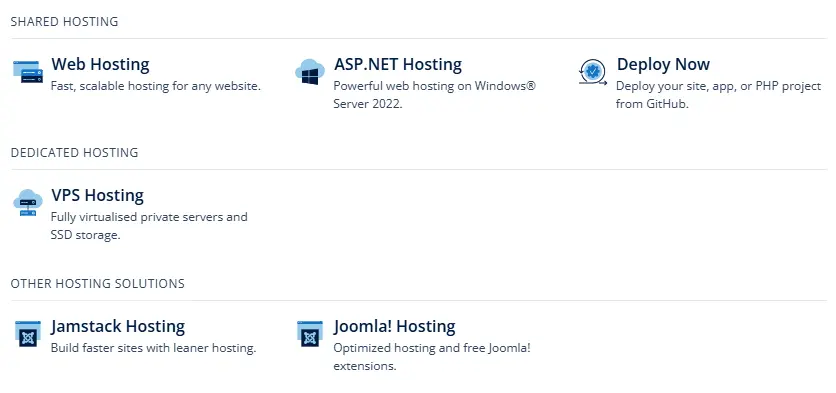
- Shared Hosting — Multiple websites share one physical server and its resources (CPU, RAM, storage).
- VPS Hosting (Virtual Private Server) — A physical server is divided into virtual servers with dedicated resources for each user.
- Dedicated Server — You get an entire physical server exclusively for your use.
- Cloud Hosting — Resources come from a network of virtualized servers, allowing flexible scaling.
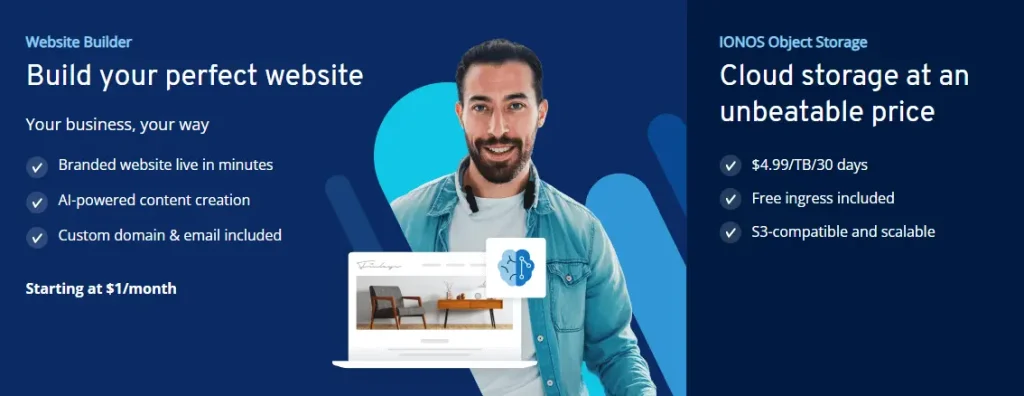
IONOS offers all four: affordable shared plans, powerful VPS starting at $2/month, high-performance dedicated servers, and flexible cloud servers with pay-as-you-go billing.
Shared Hosting: Pros and Cons
Pros of Shared Hosting
- Very affordable (IONOS starts at $1–$4/month with promos)
- Easy setup — perfect for beginners with 1-click installs (WordPress, Joomla, etc.)
- Managed by the host — no server maintenance needed
- Includes free domain (1 year), SSL, email, unmetered bandwidth, DDoS protection
- Great for small sites, blogs, portfolios
Cons of Shared Hosting
- Limited resources — performance affected by other sites on the server
- No root access or full customization
- Scalability caps — upgrades needed for traffic spikes
- Less control over server environment
Best for: Beginners, personal blogs, small business sites with low-to-moderate traffic.
VPS Hosting: Pros and Cons
Pros of VPS Hosting
- Dedicated resources (vCores, RAM, NVMe SSD) — better performance and stability
- Full root access — install custom software, choose OS (Linux/Windows)
- Scalable — easily upgrade plans as you grow
- IONOS VPS starts low ($2/month), unlimited traffic, 99.99% uptime, DDoS protection, snapshots
- More secure and isolated than shared
Cons of VPS Hosting
- Requires some technical knowledge (or choose managed options)
- Higher cost than shared
- Fixed resources — less flexible than true cloud for sudden spikes
Best for: Growing websites, e-commerce stores, developers, medium traffic sites needing control.
Dedicated Server: Pros and Cons
Pros of Dedicated Server
- Exclusive hardware — maximum performance, no “noisy neighbors”
- Complete control — full root/admin access, custom configurations
- Highest security and reliability for sensitive data
- Ideal for high-traffic, resource-heavy applications (gaming, large databases)
- IONOS dedicated servers use enterprise-grade hardware with strong uptime
Cons of Dedicated Server
- Most expensive option
- Requires advanced server management skills (or managed plans)
- Longer setup and scaling time
- Overkill for small/medium sites
Best for: Large enterprises, high-traffic e-commerce, mission-critical apps, heavy workloads.
Cloud Hosting: Pros and Cons
Pros of Cloud Hosting
- Extreme scalability — add/remove resources in real-time (live scaling)
- Pay-as-you-go — only pay for what you use (IONOS bills by the minute)
- High availability — resources distributed across servers, better redundancy
- Flexible — drag-and-drop config, API support, load balancing
- IONOS Cloud: VMware-based, 99.99% uptime, global data centers
Cons of Cloud Hosting
- Costs can rise with heavy usage
- Slightly more complex for absolute beginners
- Potential vendor lock-in if not careful
Best for: Variable traffic sites, apps with unpredictable growth, development/testing, cost-conscious scaling.
Comparison Table: Shared vs VPS vs Dedicated vs Cloud
| Feature | Shared Hosting | VPS Hosting | Dedicated Server | Cloud Hosting |
|---|---|---|---|---|
| Cost | Lowest ($1–$10/mo) | Low–Medium ($2+/mo) | High | Pay-as-you-go |
| Resources | Shared | Dedicated virtual | Exclusive physical | Distributed & scalable |
| Performance | Basic | Good–High | Highest | High & flexible |
| Scalability | Limited | Good (plan upgrades) | Limited | Excellent (real-time) |
| Control/Root Access | No | Yes | Yes | Yes |
| Management | Fully managed | Self or managed | Self or managed | Self-managed |
| Best For | Beginners, small sites | Growing sites | High-traffic/enterprise | Variable workloads |
How to Choose the Right Web Hosting
- Low budget + small site/blog? → Start with shared hosting (IONOS Essential/Starter plans).
- Need more power + customization? → Go VPS (IONOS VPS XS–XXL for performance boost).
- High traffic + maximum control? → Choose dedicated server.
- Unpredictable growth or want to pay only for usage? → Pick cloud hosting (IONOS Cloud for flexibility).
Consider: expected traffic, technical skills, budget, and growth plans. IONOS makes switching easy with tools like hosting advisors and migrations.
Final Recommendation
Most beginners and small projects thrive on shared hosting or VPS for the best value. As you grow, upgrade to VPS, dedicated, or cloud for better performance and scalability.
IONOS offers reliable options across all types with 99.99% uptime, expert 24/7 support, and no hidden fees—perfect for any stage.
Ready to launch? Check IONOS hosting plans today and find the right fit for your website!