How WordPress Staging Helps Prevent Website Errors and Downtime

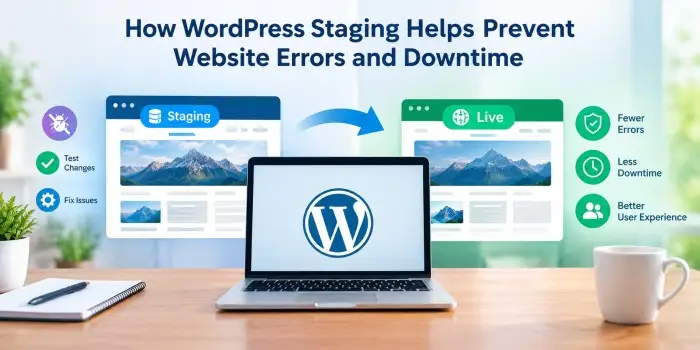
Making changes to a WordPress website can sometimes create unexpected problems. A new plugin, theme update, code modification, or configuration change may cause broken layouts, compatibility issues, or even make a website temporarily inaccessible. A staging environment provides a safer way to test these changes before they reach the live site.
What Is a WordPress Staging Site?
A WordPress staging site is a separate copy of a live website used for testing and development. It allows changes to be made in an environment that visitors do not see. Once everything works correctly, the approved changes can be moved to the live website.
This approach is particularly useful for websites that depend on regular updates and have little tolerance for disruption.
Test Updates Without Affecting Visitors
WordPress websites often rely on several plugins and themes working together. Updating one component can occasionally create compatibility problems with another. Testing updates on staging first makes it possible to identify these issues before they affect visitors.
For example, a plugin update can be installed on the staging version and checked for broken features, display problems, or error messages. If something goes wrong, the live website remains unaffected.
Reduce the Risk of Website Downtime
Downtime can affect customer trust, conversions, and search visibility. Staging reduces the risk by providing a controlled environment for testing significant changes.
Hosting providers such as Bluehost include WordPress staging sites with selected hosting plans, allowing website owners to test changes before publishing them.
Safely Test Custom Code
Adding custom CSS, PHP snippets, scripts, or other modifications directly to a live website can introduce errors. A staging environment offers a safer place to experiment.
Developers can test new functionality, review page performance, and check whether existing features continue working properly. This can prevent common problems such as blank pages, broken navigation, missing content, or unexpected layout changes.
Check Design Changes Before Going Live
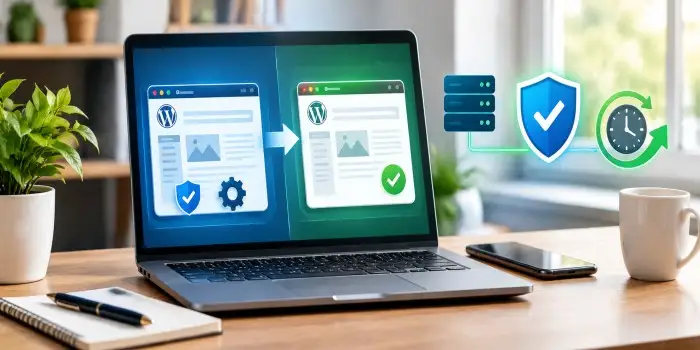
Staging is also valuable for redesigns. Changes to menus, headers, footers, landing pages, forms, and layouts can be reviewed before visitors encounter them.
Testing across desktop and mobile devices can help identify responsive design problems that might otherwise go unnoticed.
Combine Staging With Backups
Staging is not a replacement for backups. A strong WordPress maintenance process should use both. Backups provide a recovery option if something goes wrong, while staging helps prevent problematic changes from reaching the live site in the first place.
Regular backups, security measures, automatic updates, and testing can create a more reliable maintenance workflow.
Make Website Management More Reliable
A staging environment adds an important safety layer to WordPress management. Instead of experimenting directly on the live website, changes can be tested, reviewed, corrected, and approved first.
For businesses, blogs, online stores, and other websites that depend on continuous availability, this simple extra step can significantly reduce the risk of technical errors and unnecessary downtime.