How to Migrate Your Website to a New Host Without Downtime

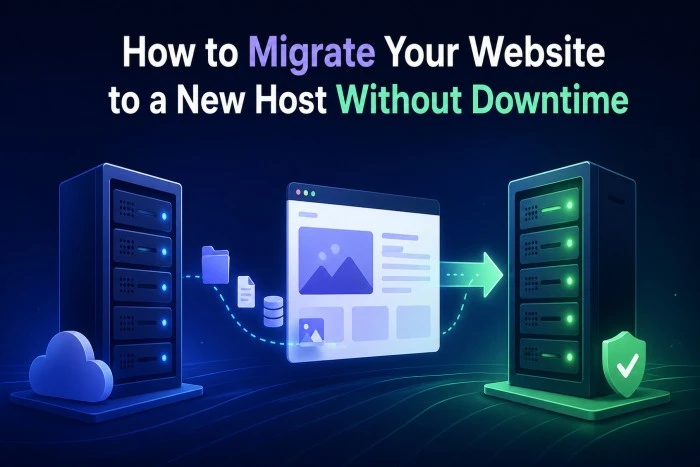
Migrating your website to a new hosting provider can feel overwhelming, especially if you’re worried about downtime, data loss, or SEO impact. For businesses and creators in the U.S., even a few minutes of downtime can mean lost revenue and frustrated users. The good news? With the right approach, you can move your website seamlessly without interrupting your visitors’ experience.
In this step-by-step guide, we’ll walk you through how to migrate your website smoothly while keeping everything running efficiently. Hosting providers like Hostinger make the process easier with reliable tools and support, but understanding the steps is key to a successful transition.
Why Migrate to a New Hosting Provider?
Better Performance and Speed
As your website grows, your current hosting plan may no longer meet your needs. Upgrading to a faster host can improve page load times and user experience.
Improved Security
Modern hosting providers offer enhanced security features such as firewalls, backups, and malware protection.
Cost Efficiency
Switching to a provider like Hostinger can help you get better features at a more competitive price.
Pre-Migration Checklist
Backup Your Website
Before making any changes, create a full backup of your website, including:
- Website files
- Databases
- Emails (if hosted on the same server)
This ensures you can restore your site if anything goes wrong.
Choose the Right Hosting Plan
Select a hosting plan that matches your website’s traffic and technical requirements. Consider storage, bandwidth, and scalability.
Lower Your DNS TTL
TTL (Time to Live) determines how long DNS information is cached. Lowering it (e.g., to 300 seconds) a day before migration helps speed up DNS propagation later.
Step-by-Step Website Migration Process
Step 1: Set Up Your New Hosting Account
Sign up with your new hosting provider and configure your account. Platforms like Hostinger often provide easy setup tools and dashboards to manage your site.
Step 2: Upload Website Files
Transfer your website files to the new server using:
- FTP (File Transfer Protocol)
- File Manager in your hosting dashboard
Make sure all files are placed in the correct directory (usually public_html).
Step 3: Import Your Database
If your website uses a database (e.g., WordPress):
- Export the database from your old host
- Create a new database on the new host
- Import the data using tools like phpMyAdmin
Update configuration files (like wp-config.php) with new database credentials.
Step 4: Test Your Website on the New Host
Before going live, test your website on the new server. You can do this by:
- Using a temporary URL provided by your host
- Editing your local hosts file to preview the site
Check for broken links, missing images, or functionality issues.
Step 5: Update DNS Settings
Once everything is working perfectly, update your domain’s DNS settings to point to the new hosting server.
- Replace old nameservers with new ones
- Save changes through your domain registrar
DNS propagation may take a few hours, but lowering TTL earlier helps speed up the process.
Step 6: Monitor the Migration
After updating DNS:
- Monitor website performance
- Check for downtime or errors
- Ensure emails and forms are working properly
Keep your old hosting account active for a few days as a backup.
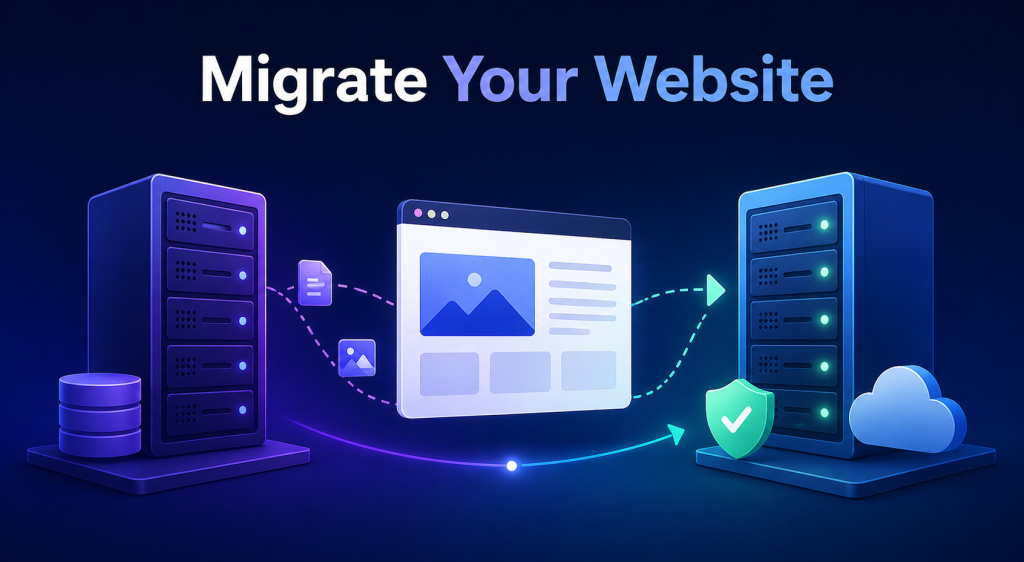
How to Avoid Downtime During Migration
Keep Both Hosts Active
Maintain your old hosting account until the migration is fully complete. This ensures visitors can still access your site during DNS propagation.
Migrate During Low Traffic Hours
Choose a time when your website has minimal traffic—typically late night or early morning in your primary audience’s time zone.
Use Maintenance Mode (If Needed)
If your site handles frequent updates, consider enabling maintenance mode briefly to prevent data inconsistencies.
Common Mistakes to Avoid
Skipping Backups
Failing to back up your site can lead to irreversible data loss.
Incorrect File Transfers
Missing or misplaced files can break your website layout or functionality.
Ignoring Testing
Always test your site thoroughly before switching DNS to avoid user-facing issues.
Why Choose Hostinger for Website Migration?
Hostinger is a popular choice for website owners in the U.S. due to its affordability, speed, and user-friendly interface. It also offers migration support, making it easier for beginners to move their websites without technical stress.
With reliable uptime, strong security features, and scalable plans, Hostinger ensures your website continues to perform at its best after migration.
Conclusion
Migrating your website to a new host doesn’t have to be risky or complicated. By following a structured approach—backing up your data, testing thoroughly, and updating DNS carefully—you can achieve a smooth transition without downtime.
Whether you’re upgrading for better performance or cost savings, providers like Hostinger can help simplify the process. With the right preparation and execution, your website can move to a new home without your visitors even noticing.